
A Divi 5 module
Build the header menu
in the Divi 5 Builder
Mega menus, popups, live search and a mini cart, added one menu item at a time, the same way you build the rest of the page.
Divi 5 only · Uses Divi's Canvas and Interactions · No code
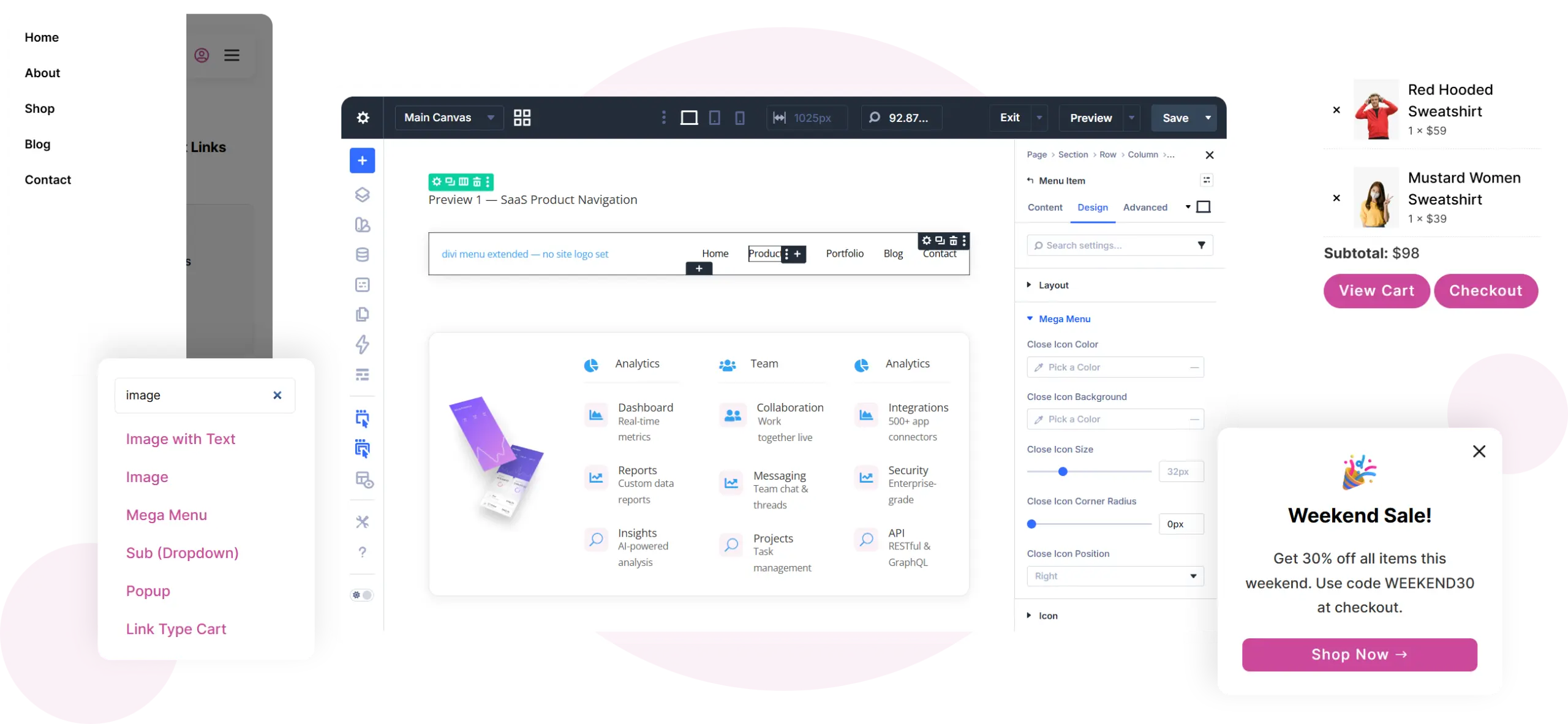
Mega menus
Design a Canvas in the Divi Builder and open it under a menu item. It is as wide as the Menu module unless you give the canvas its own width.
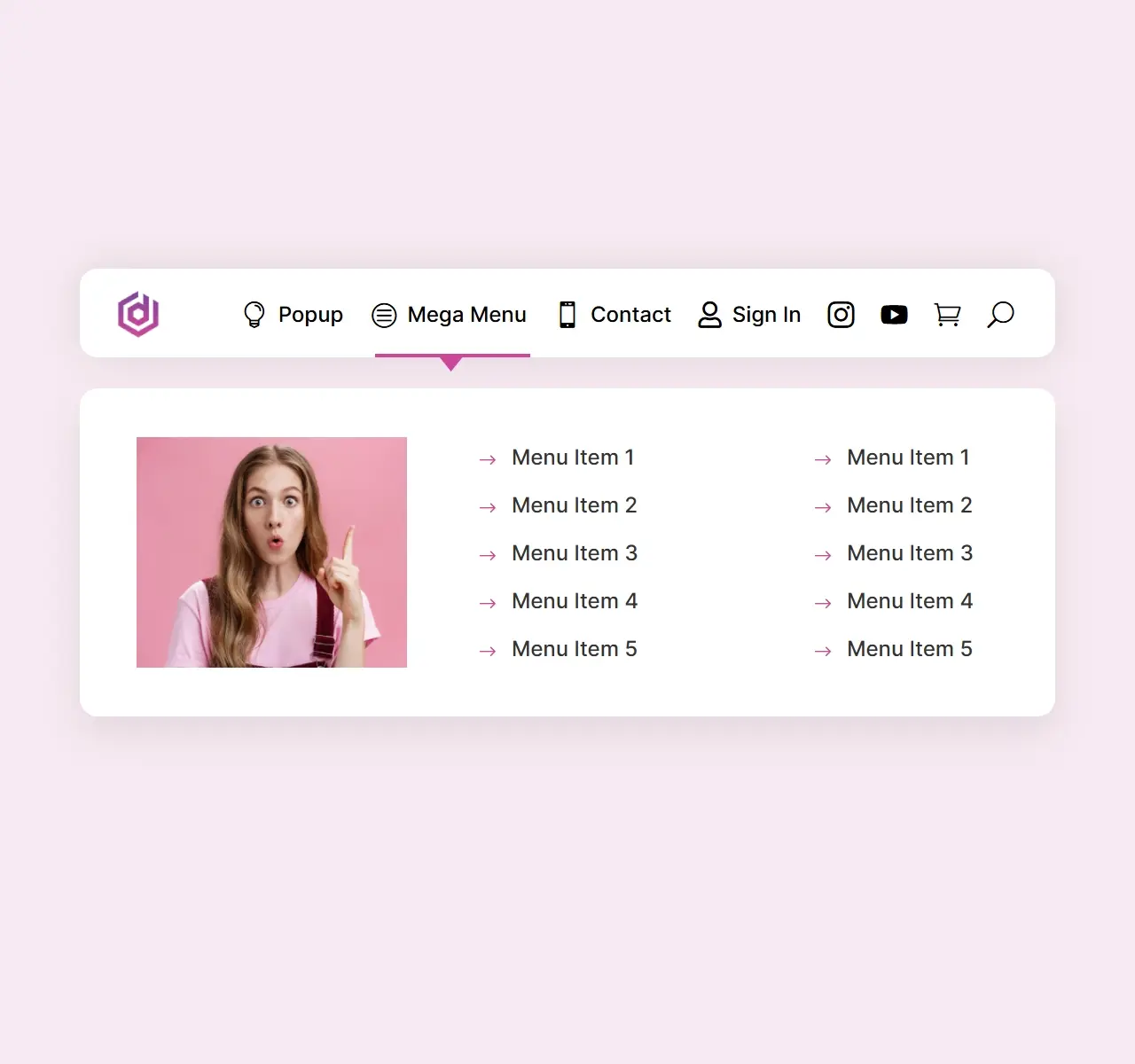
Popups
Open a Canvas as a popup from any item, on click or hover, in one of nine positions.
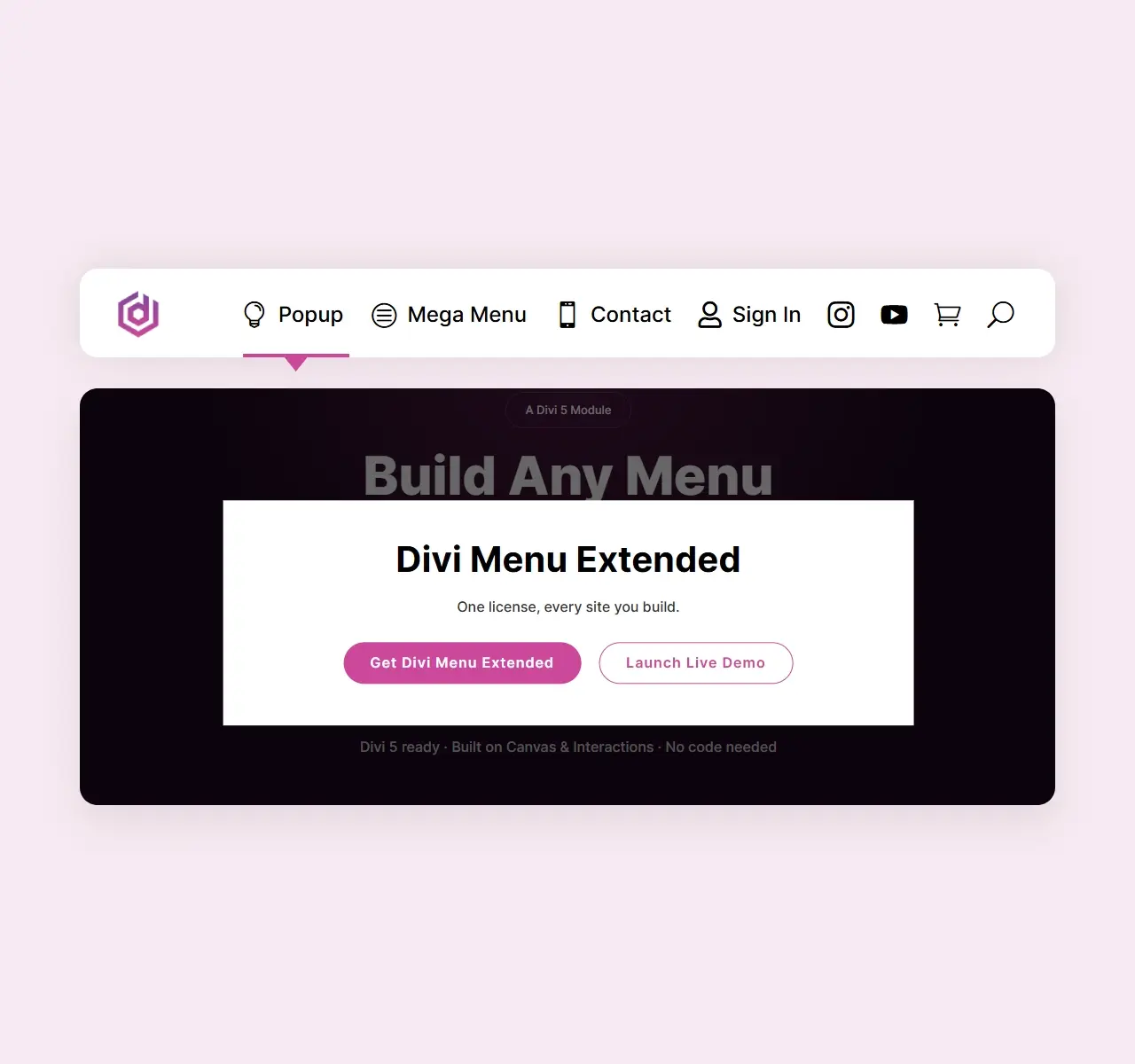
Live search
Results appear as visitors type, without a page reload. The box works as a normal search form when JavaScript is off.
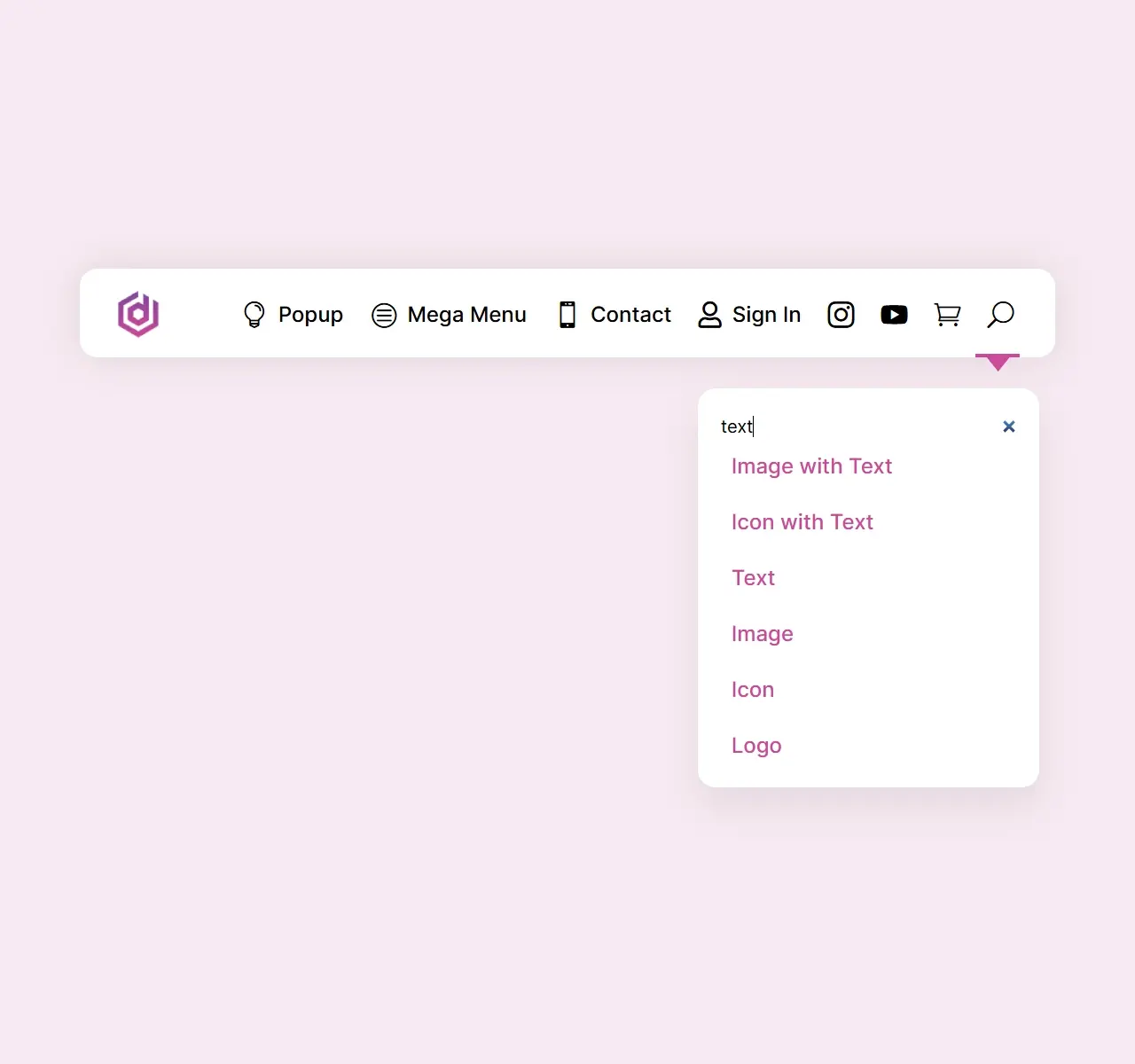
Mini cart
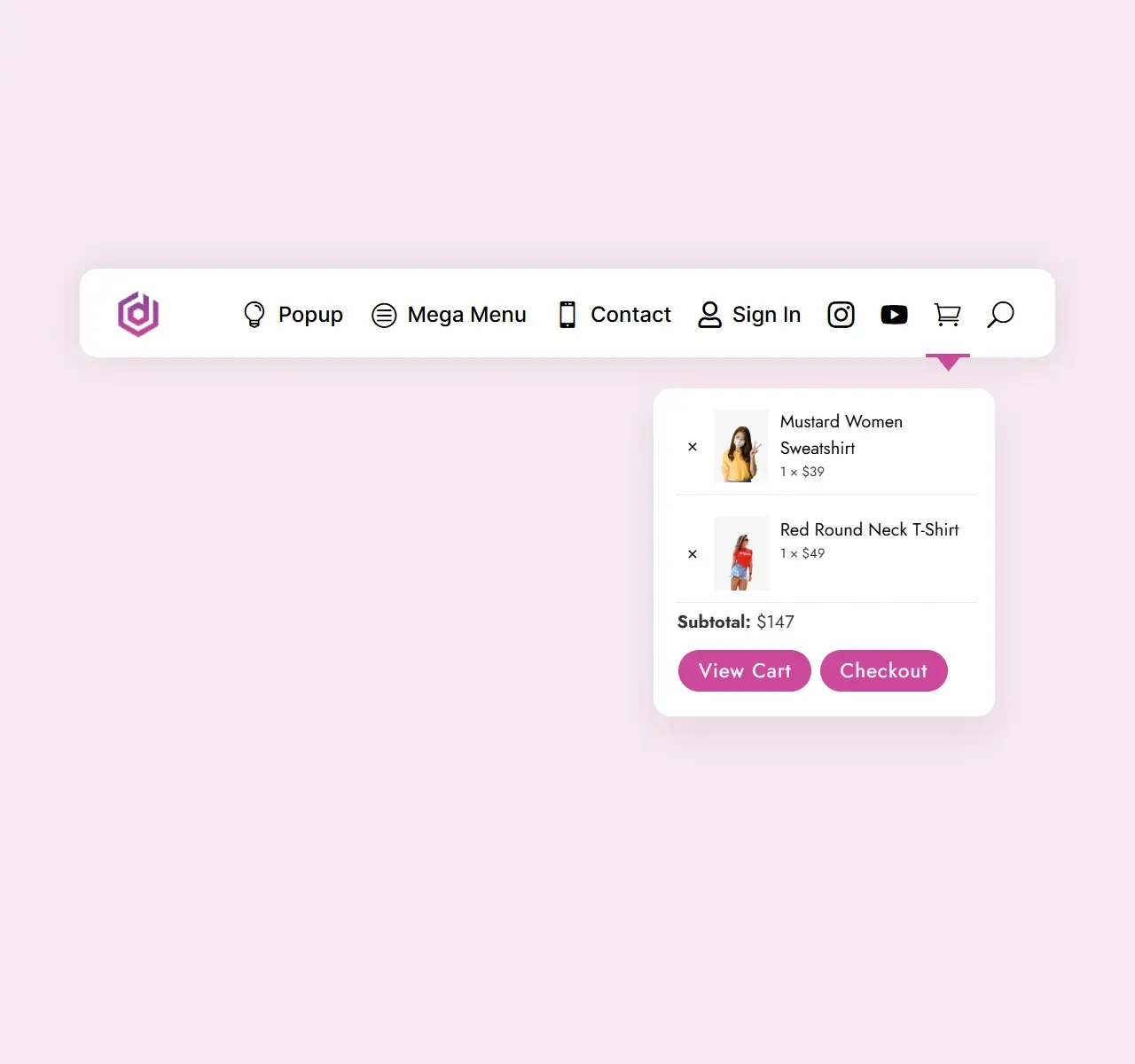
A cart icon with an item count and a drop-down cart. Visitors can change quantities or remove items there. Needs WooCommerce.
Collapsed menu
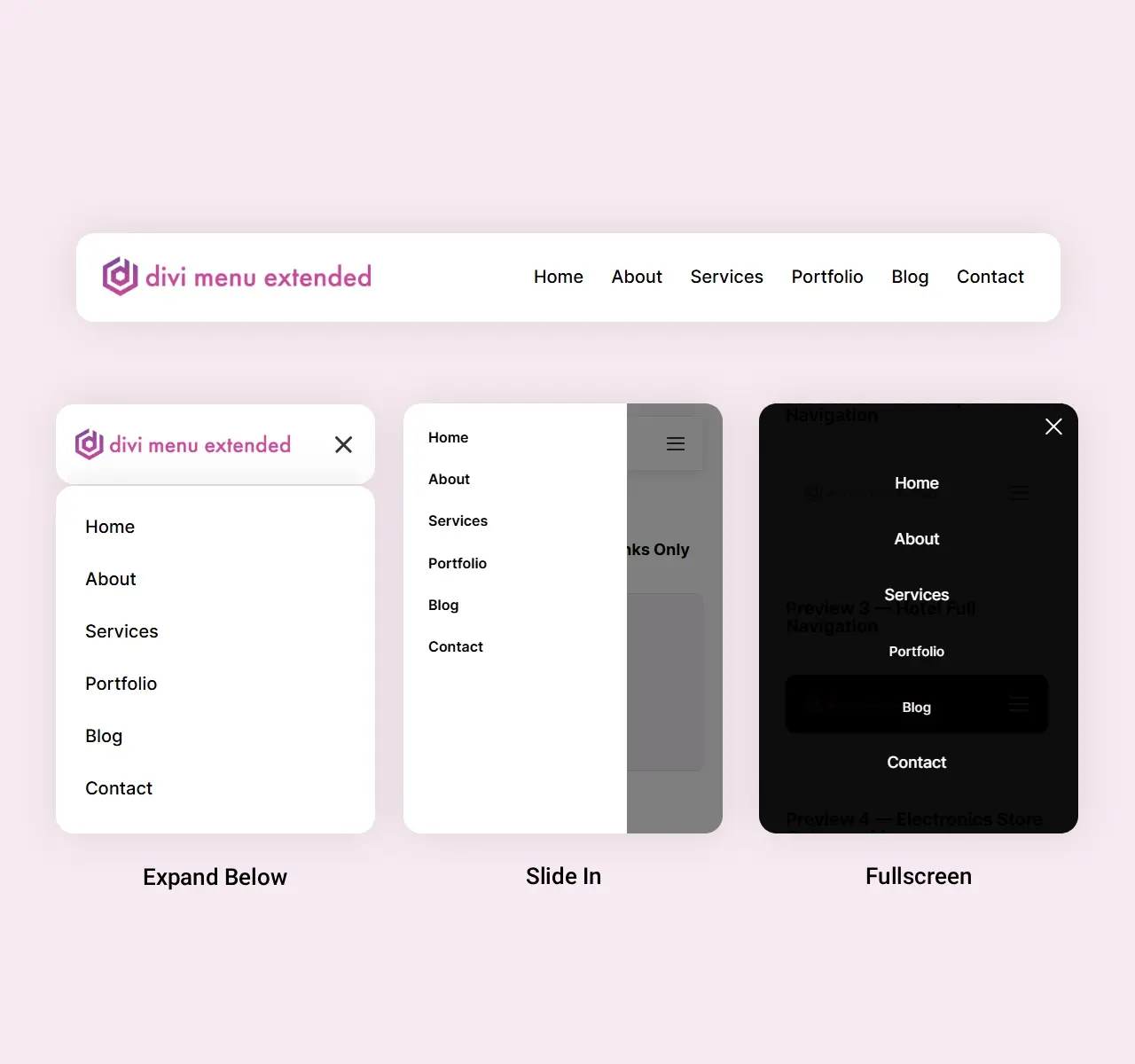
Below 980px, below 767px, always or never. Opens as Expand Below, Slide In or Fullscreen.
Per-item design
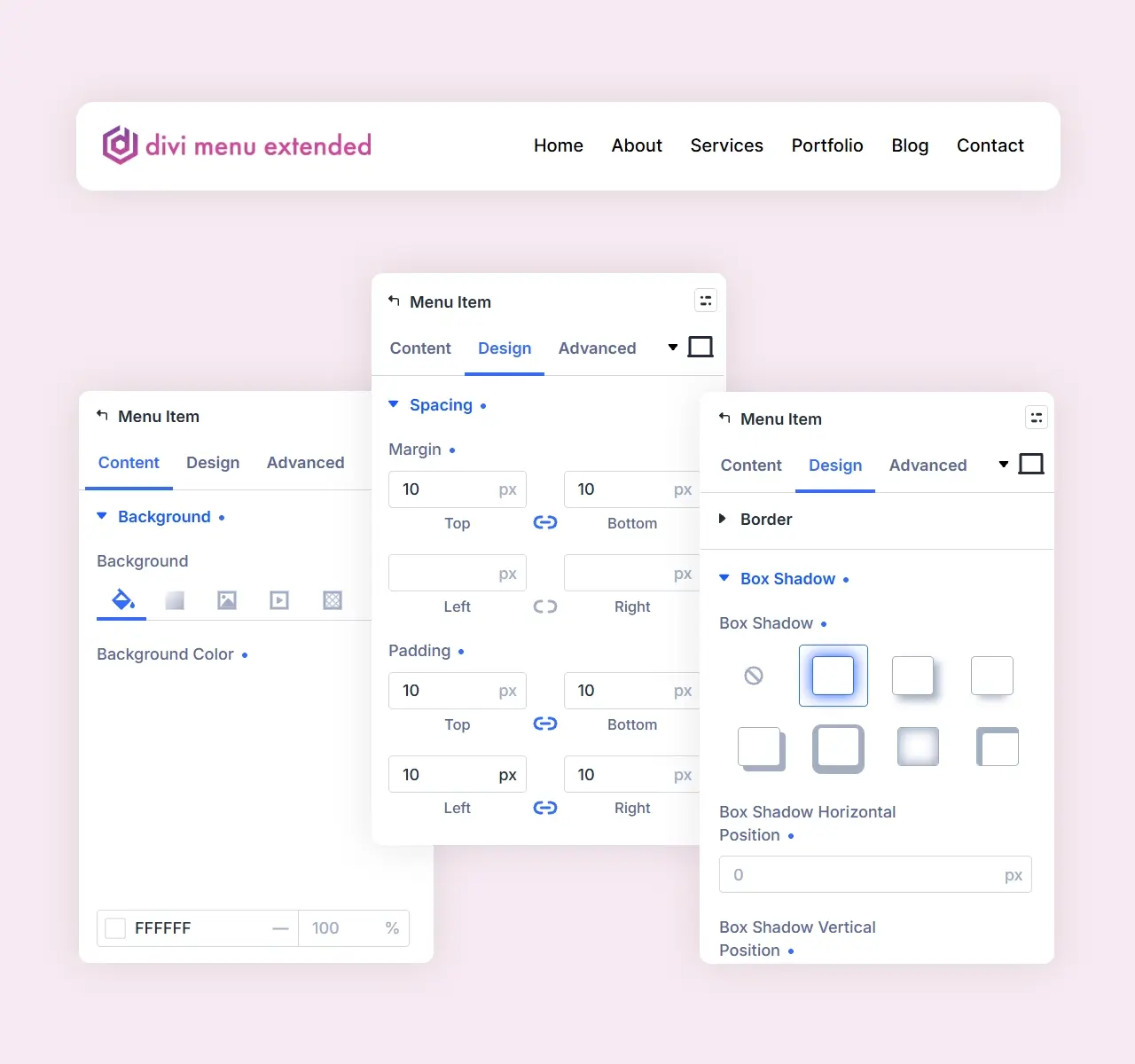
Set fonts, icons and images once on the Menu, then change them on any single item.
Built on Divi 5, not added on top of it
Divi's Canvas
Mega menus and popups are Divi Canvases, so you design them in the builder like any layout.
Divi's Interactions
Popups open through Divi's own Interactions. No animation library is bundled.
A Divi 5 module
Two modules, Menu and Menu Item, registered the Divi 5 way. They appear only when Divi 5 is active.
Frequently Asked Questions
What is Divi Menu Extended?
A Menu module for the Divi 5 Builder. You add each top-level menu item as a Menu Item and choose what it does: a link, a contact link, a social profile, search, account, cart, popup or drop-down.
Does it work with Divi 4?
No. It needs Divi 5 (the theme or the Divi Builder plugin).
What can a menu item link to?
A URL; a phone number, email, SMS or WhatsApp chat; a social profile (50 networks); a search box; the visitor's account; the WooCommerce cart; a popup; or a drop-down with a menu from Appearance > Menus or a Canvas as a mega menu.
Can I style each item on its own?
Yes. Fonts, icon and image settings are set once on the Menu and every item follows them; change any of them on a single item and only that item changes. Drop-downs, mega menus, popups and the mini cart each have their own design groups.
How does the menu behave on phones?
You pick when it collapses into a hamburger (below 980px, below 767px, always or never) and how the panel opens: Expand Below, Slide In from the left or right, or Fullscreen. Each item can move into the panel, stay visible next to the hamburger, or hide.
Can I build nested menus?
Top-level items are built in the Divi Builder. For deeper levels, a Sub (Dropdown) item shows a menu from Appearance > Menus at any depth, or a Canvas you design as a mega menu.